

Booking
Online booking: how it works for you and your clients
What clients see when they book, what you get, and what it takes to get the system running.
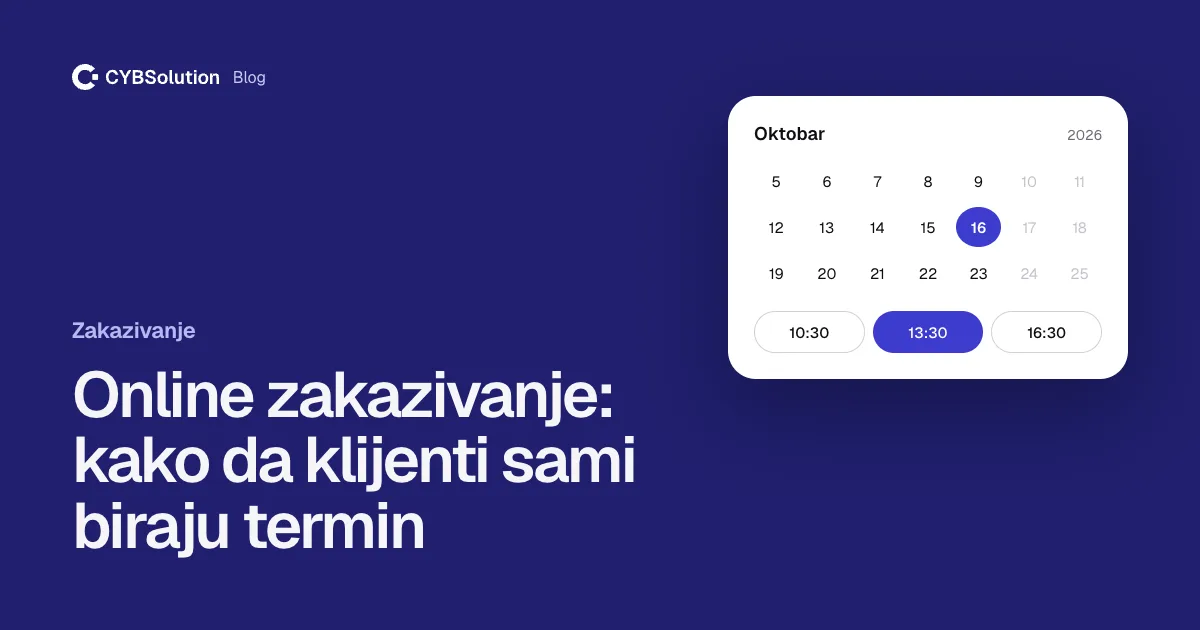
What clients see
A client opens your website, picks a service, sees the free slots and chooses the one that suits them. They enter a name and phone number, and that’s it. The whole thing takes under a minute, and it works at night, at weekends and while you’re busy with another client.
They receive a confirmation, and an SMS reminder the day before. If they can’t make it, they cancel or move the appointment in one click, and the free slot immediately becomes visible to others.
What you get
Every appointment lives in one calendar you open on your phone or computer. You see who is coming, when and why. A new booking arrives as a notification, so you don’t have to watch the screen all day.
What the system does for you:
What it takes to set up
A list of services and how long each takes, your opening hours and which staff member does which service. That’s all. We set up the calendar, connect it to the website and show you how to use it. If you already have a website, booking can be added to it.
Every appointment booked by message costs you five messages and ten minutes. The system does it on its own.
Who it makes the most sense for
Salons, clinics, physiotherapists, repair services and anyone who works by appointment and loses time to messaging every day. If your phone never stops, online booking is probably the first thing to introduce.
The short answer
Clients choose a slot on your website, you get a tidy calendar and fewer calls. A website with booking usually takes us about six weeks.
Need a website?
Book a free consultation and find out what would help your business most.
Book a consultation